
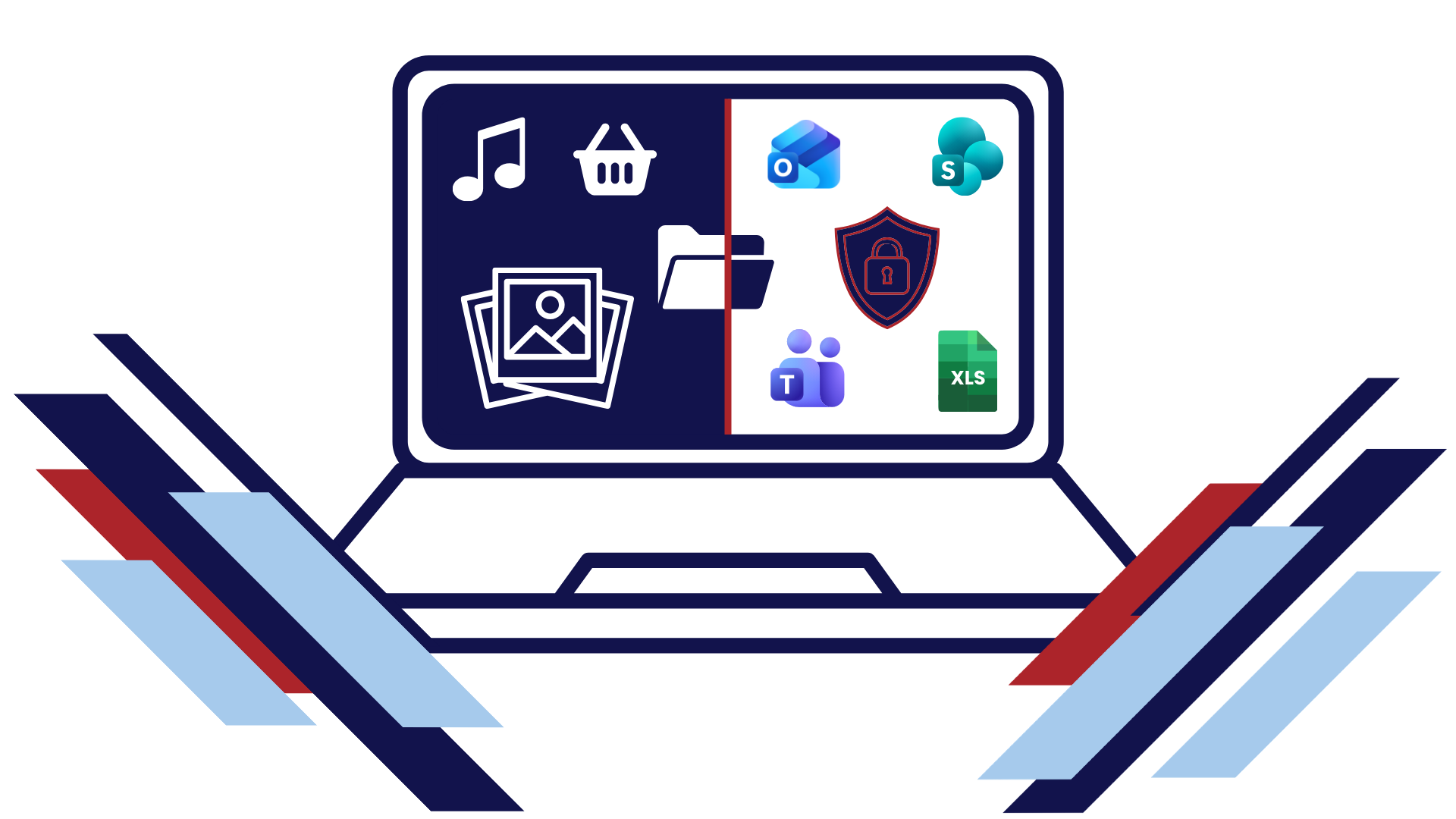
How are you mitigating the security risks of ‘bring your own device’ (BYOD)?
TL;DR
- Personal devices offer practical access to work, but can leave organisations with gaps in visibility and control over business data.
- The goal is controlled, purposeful access, with clear rules on who can access information, from which devices and what they can do with it.
- Microsoft Intune and Entra Conditional Access can help protect company data while keeping personal content separate, depending on licensing and configuration.
- Effective protection depends on careful configuration and ongoing review, not simply having the right licence.
Sometimes personal devices enter the working environment because they offer a practical way to deal with a specific need.
An employee might check an urgent email on their phone while travelling. A volunteer may need to access Teams from home. A contractor may use their own laptop because providing another organisation-owned device would be difficult to justify. These situations may be occasional, necessary or simply the most practical way to get the job done.
One important question is what happens when personal devices need to be used – does your organisation still have control of its data?
The latest Cyber Essentials certification assessment has been tightened up to bring all of the above scenarios into scope.
Do You Know Where Your Company Data Really Is?
Most leaders can answer where their systems are.
They know their files are stored in Microsoft 365. They know where their email lives, or at least where to access it. They know which business applications employees use.
But that’s not quite the same as knowing where your data exists in every instance.
Every time someone accesses information from a personal phone, laptop or tablet, that data is potentially moving beyond the devices your organisation owns and manages.
A document opened on a personal device.
An email attachment downloaded locally.
A spreadsheet saved for offline access.
A file shared between applications or an AI agent.
None of these actions are necessarily malicious. They’re often part of normal day-to-day work, but they can create gaps in visibility and control.
The BYOD Security Risks Most Organisations Don’t See
When organisations think about cybersecurity, they often focus on protecting networks, systems and accounts. What receives less attention is the growing number of devices interacting with company data every day.
Ask yourself:
- Which personal devices currently have access to company information?
- Can you see and contact them all?
- Are they protected with appropriate security controls?
- What authority have they been given to access and download data?
- What happens to the data on a device that is lost, stolen or replaced?
- Who’s managing downloaded data on the device when someone leaves the organisation?
Many leaders don’t know the answers because personal device usage has evolved gradually over time.
What began as the occasional check of work email can gradually expand into wider access from devices the organisation does not manage.
Why Personal Device Security Matters More Than Ever
Every organisation sets its own approach to where and how people work.
Some support regular hybrid working, while others operate mainly on-site. In either case, people may still need secure remote access during travel, urgent situations or unforeseen disruption.
Providing that option securely gives the organisation resilience while preserving the convenience that personal devices can offer when they are genuinely needed.
At the same time, organisations are handling more sensitive information than ever before.
The more devices that interact with this information, the harder it becomes to maintain visibility and control. It’s more about maintaining visibility over business data than assuming employees are doing anything wrong.
Organisations need to know where business data can be accessed and what protections apply when it moves beyond a managed device.
This matters because the question is no longer only being asked inside the business. Insurers, clients and supply chain partners increasingly want evidence that data is being accessed, managed and protected appropriately.
The Goal: Controlled, Secure Access from Personal Devices
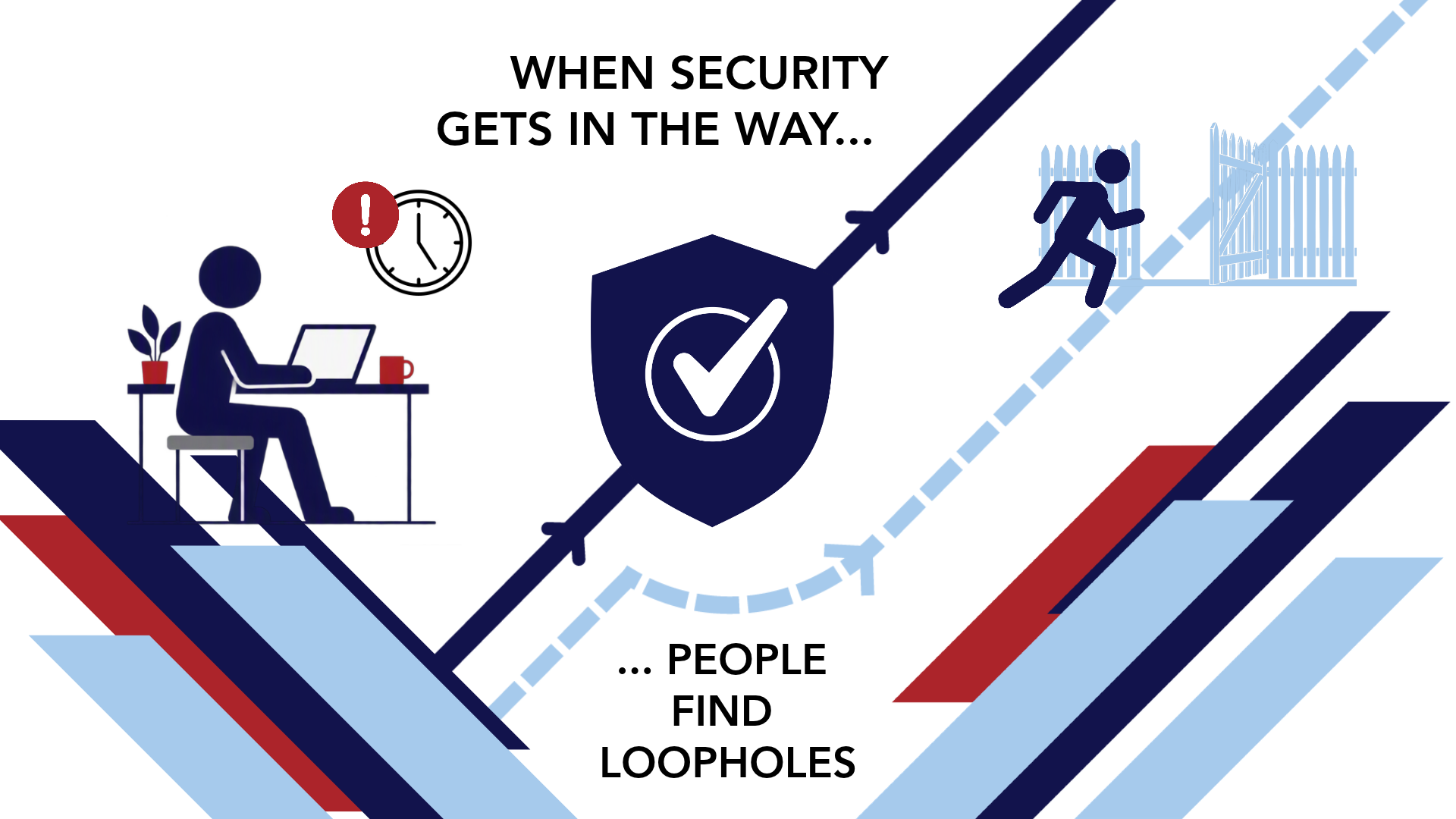
This is where many conversations go wrong. The answer isn’t necessarily to restrict the access to corporate systems for people using personal devices.
For many organisations, that simply isn’t practical.
The goal is to enable flexibility while still protecting company data.
That means being able to answer questions such as:
When organisations can answer those questions confidently, to themselves and stakeholders, personal devices become far less of a concern.
A More Modern Approach to Secure BYOD Access
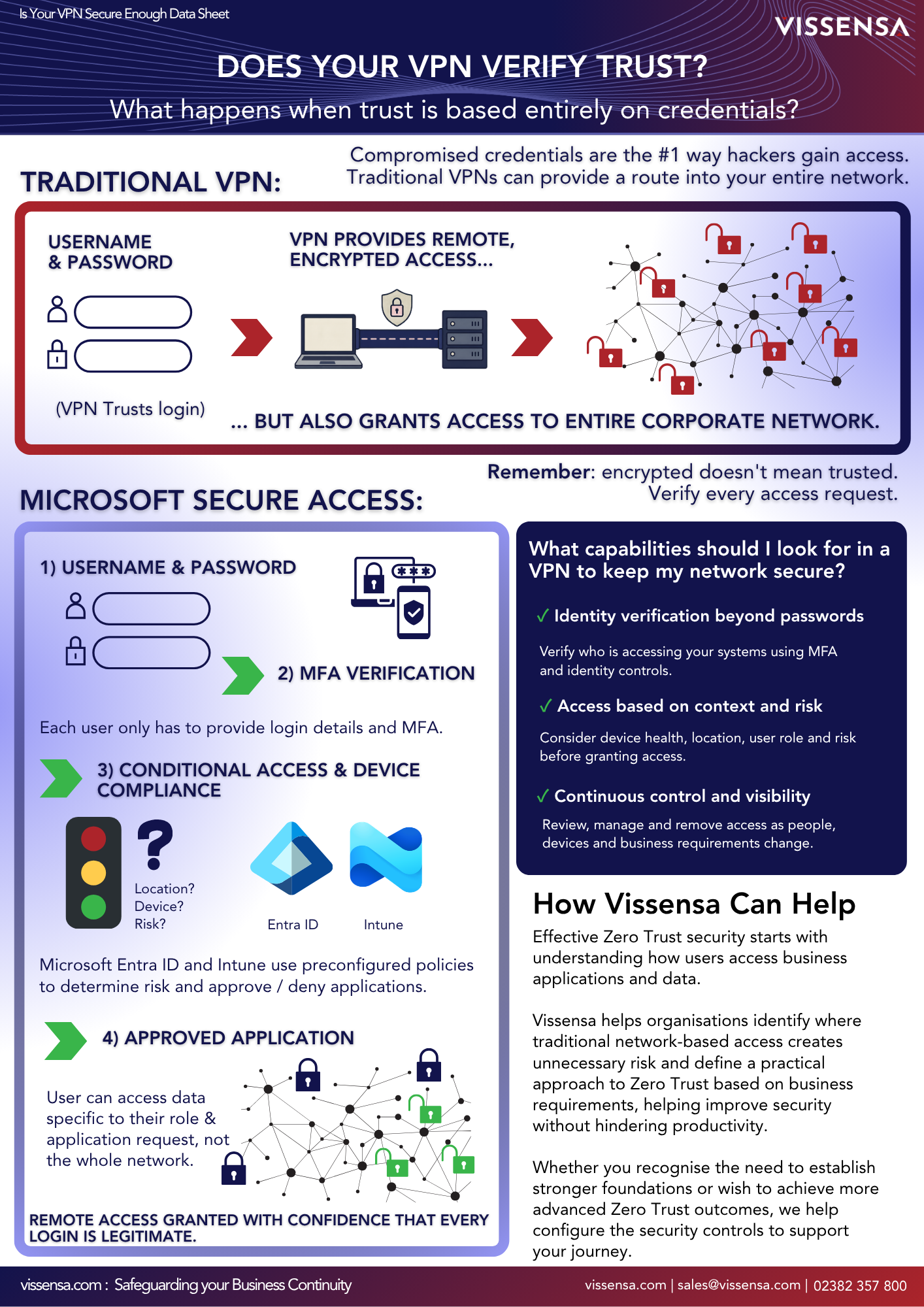
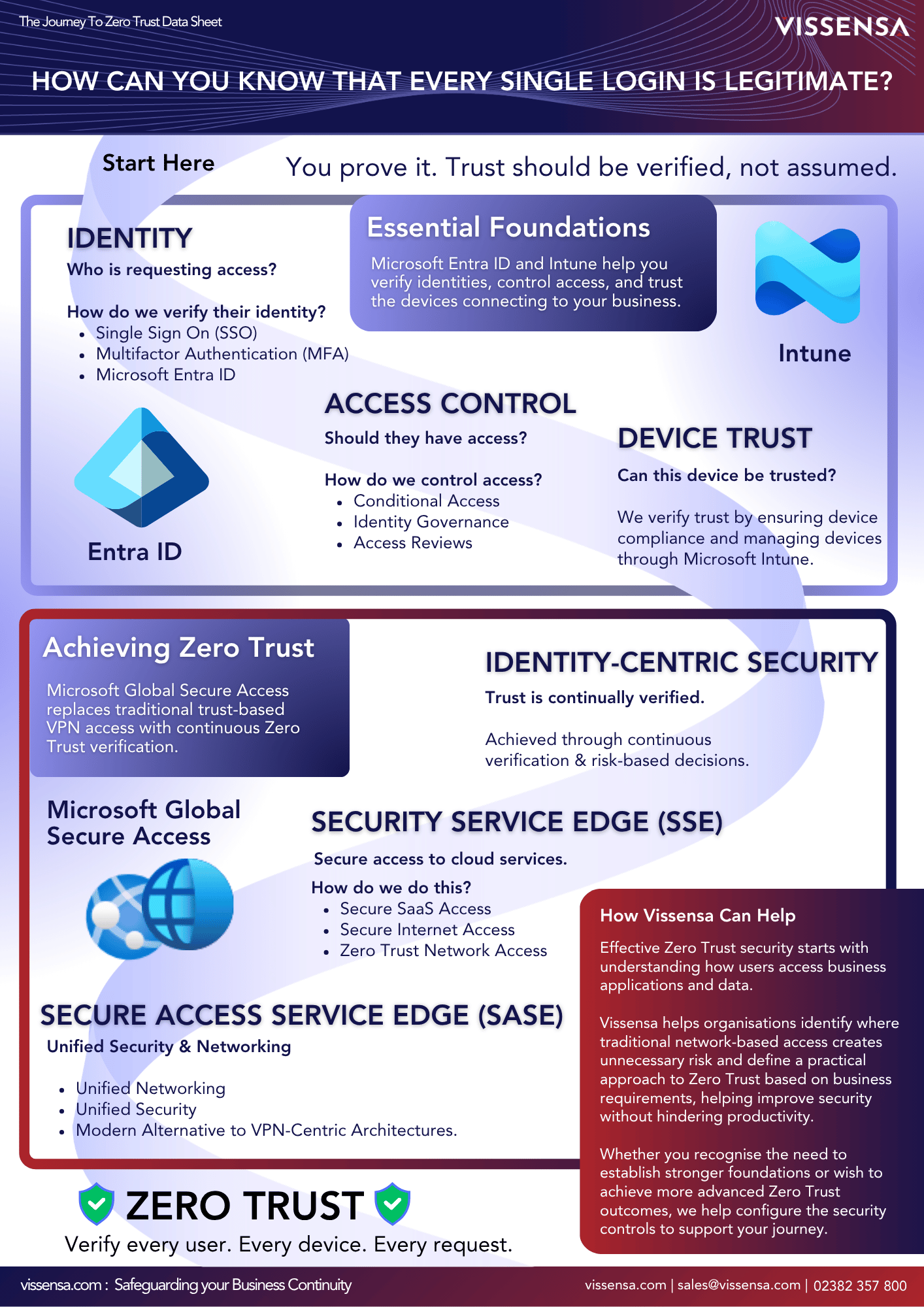
A more modern approach starts by setting clear conditions around how business data can be accessed from a personal device, rather than treating every device in the same way.
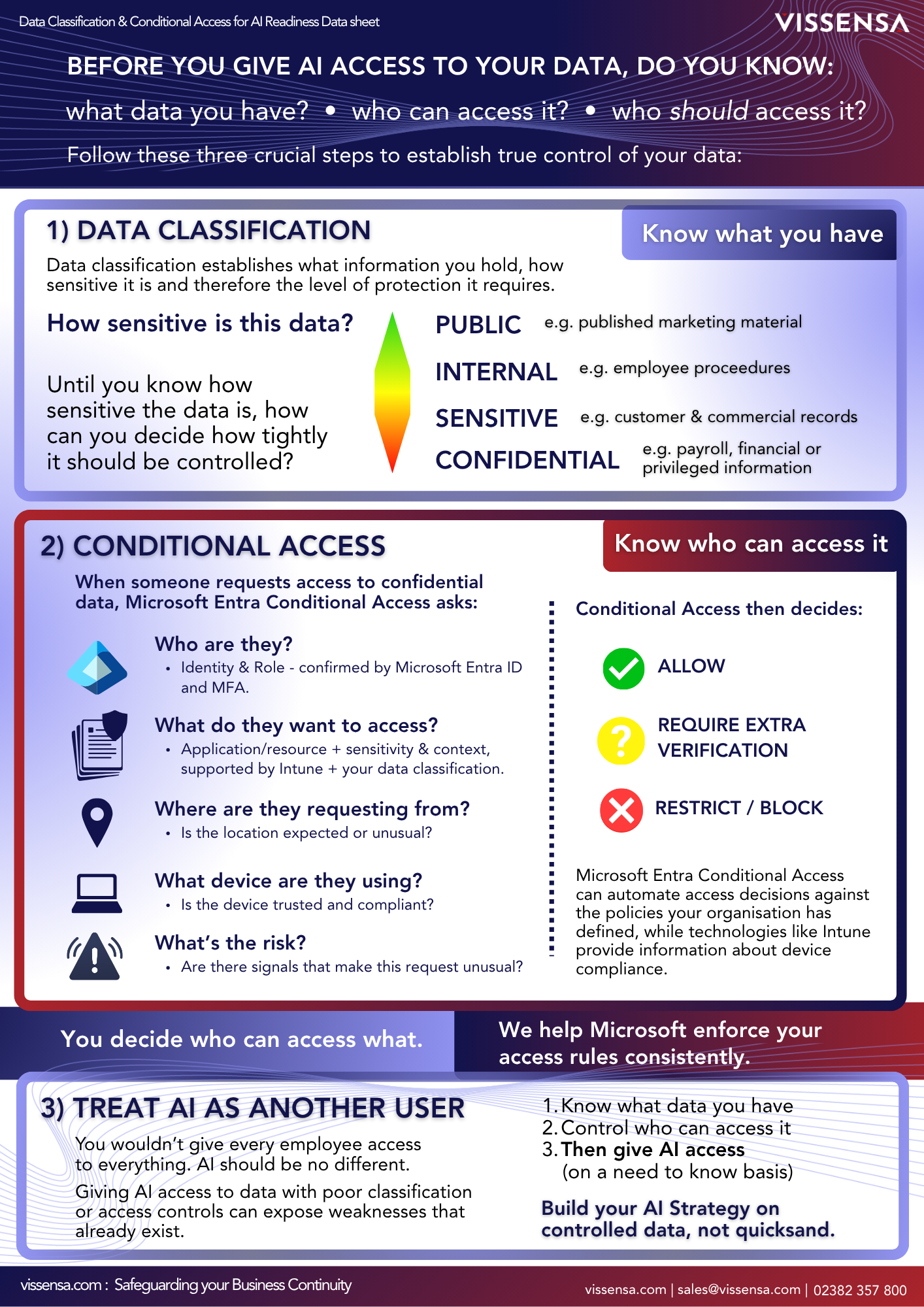
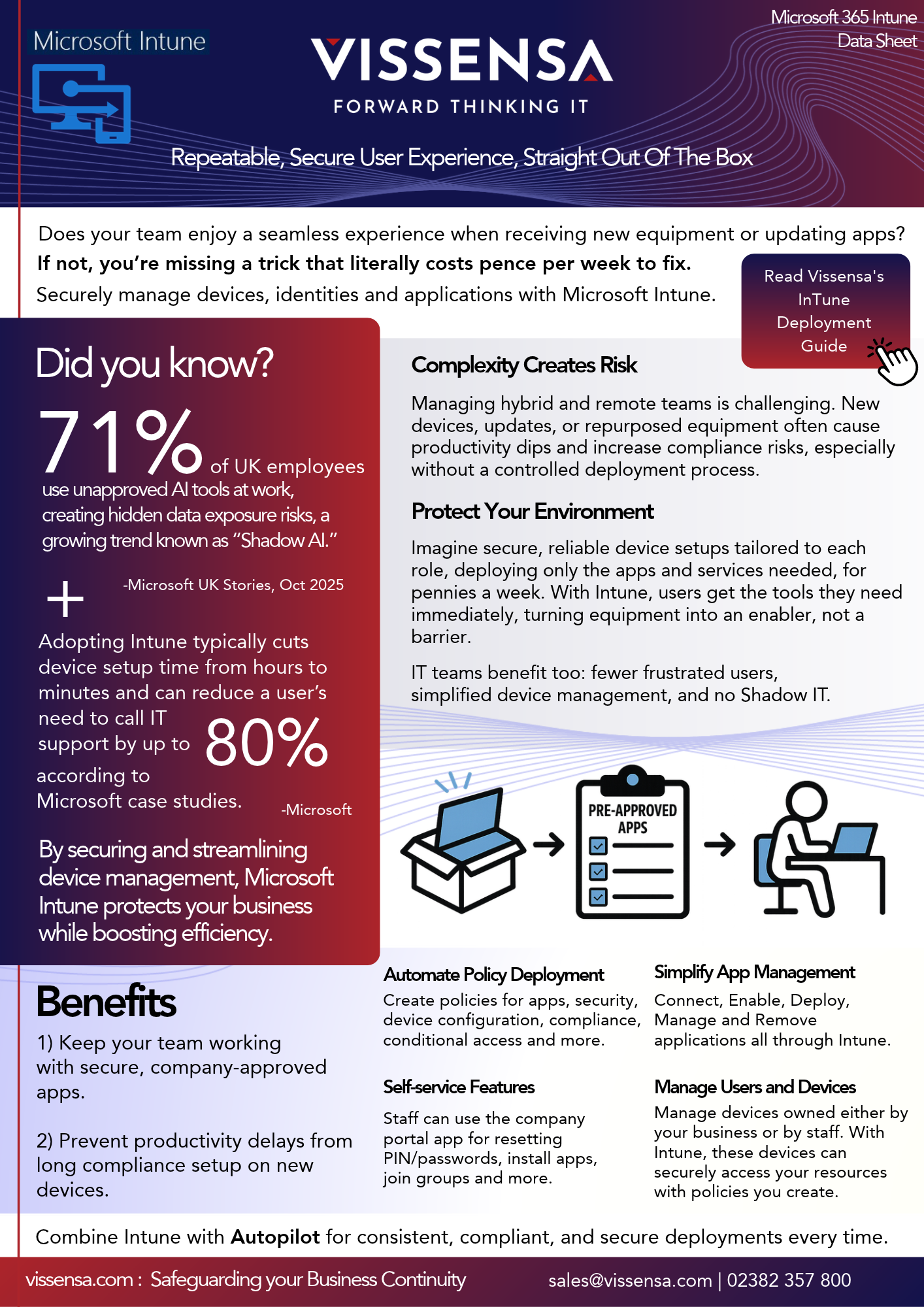
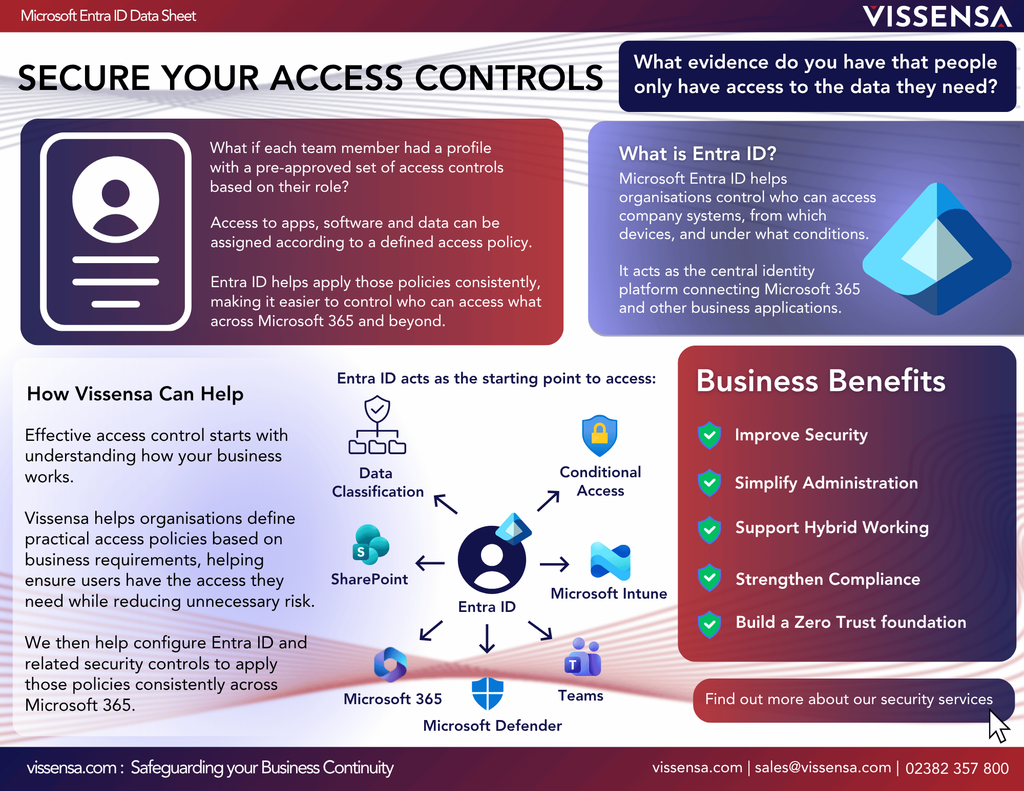
Tools such as Microsoft Intune and Entra Conditional Access can then apply those controls automatically. Depending on your Microsoft 365 licence, some of these capabilities may already be available to you.
For example, access can be granted only from trusted devices or approved applications.
Company data can be separated from personal content.
Restrictions can be applied to reduce the risk of files being copied, downloaded or shared inappropriately.
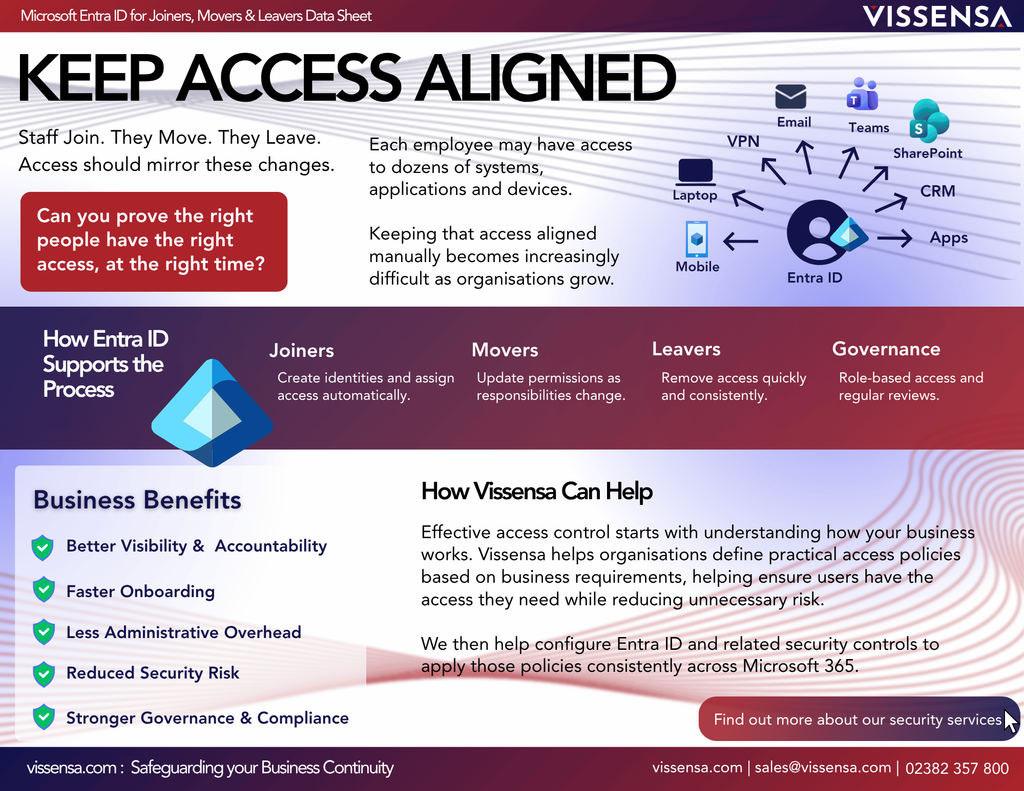
And if access needs to be removed, organisations can revoke access to company data without affecting the employee’s personal information.
The result is a balance between security and flexibility.
Employees get the convenience they need.
Organisations retain the control they require.
Secure BYOD Depends on the Right Configuration
Having the right licence does not automatically give you the right protection. The value comes from understanding which controls fit your organisation, configuring them carefully and checking that they continue to work as people, devices and risks change.
That is where working with Vissensa makes a difference. We look across your Microsoft environment to identify useful capabilities you may already be paying for, then design and implement controls around the way your people actually need to work. We bring a consultative approach to that process, helping you do what is right for the business rather than simply applying generic settings.
Our involvement continues after the initial configuration. We document your environment, stay close to your organisation and review where security, resilience or day-to-day working could be improved.
You should not have to chase your IT provider for attention or discover months later that useful features were left untouched. With Vissensa, you have a proactive partner guiding you through the next improvement and a safe pair of hands when you need support.
FAQs About Using Personal Devices for Work
Not necessarily. While personal-device access can be restricted through Microsoft controls, a blanket ban may create workarounds if people still need a practical way to access information during travel, emergencies, volunteer work or contractor projects. That can push activity into less visible places, sometimes referred to as shadow IT. A stronger approach is to decide when personal-device access is appropriate, then apply controls that limit how company data can be accessed, stored and shared.
In many cases, yes. Microsoft Intune can apply protection to work apps and organisational data without requiring full management of the personal device. This can help keep business information separate while respecting the employee’s personal content.
Where app-level protection has been configured correctly, organisational access and data can be removed without wiping the employee’s whole device during the offboarding process. The exact options depend on the device, applications, policies and licences in use, which is why the initial design matters rather than letting the access of data from BYOD’s just evolve without defined boundaries.
Start by reviewing sign-in activity, registered devices, approved applications and the policies currently governing access. This can reveal where access has evolved informally and where visibility or control is missing. Vissensa can help interpret that picture and prioritise the risks that need attention first.
They may be. Capabilities within Microsoft Intune and Entra Conditional Access are included with certain licences, but availability and suitability depend on your subscription and setup. A licence review can show what you already have, what is configured and where additional licensing and configuration would genuinely add value.
People, devices, applications and risks change over time. A policy that worked at launch can become too restrictive, leave gaps or no longer reflect how the organisation operates. Ongoing review keeps the controls useful, proportionate and aligned with the organisation’s needs. It also helps with ongoing Cyber Security certifications.
Is Your Business in Control of BYOD?
Many organisations already have personal devices accessing company data.
The question is whether that access is being managed intentionally or whether it has simply evolved over time.
So ask yourself:
Do you know where your Business data really is?
Not where it’s stored.
Not where your systems live.
But where it can be accessed, viewed, downloaded and shared today.
The answer may reveal risks you didn’t realise existed.
Explore Microsoft tools for securing company data and access:
If this has raised questions about your own setup, talk to Vissensa.
We can help you understand what’s already working, where the gaps may be, and which changes could make the biggest difference.